Send Targeted EMail Marketing Campaigns
If your business sends emails from a generic Gmail or Hotmail address, it immediately signals that you're not serious. Einetic's professional email hosting gives your team @yourcompany addresses backed by enterprise-grade security, spam filtering, and uptime guarantees that consumer email can't match.
Why Us? Pricing
Why Choose Us?
Benefits of Our Email Hosting
Look Professional
A @yourcompany email address tells every recipient you're a real business. First impressions via email still matter.
Global Cloud Infrastructure
Powered by AWS with data centers across India and globally. Your email doesn't go down when it matters most.
Easy Migration
Already on another provider? Our IMAP migration tools move your existing mailboxes over cleanly, without lost messages or extended downtime.
24/7 Support
Whether it's a configuration question or a delivery issue, our support team responds around the clock — not just during business hours.
Stay Safe & Secure
Your email data is yours alone. We don't sell it, scan it for advertising, or share it with third parties.
Flexible pricing
Mix plans to fit what your team actually needs — not everyone needs the same storage or feature set.
Data Protection
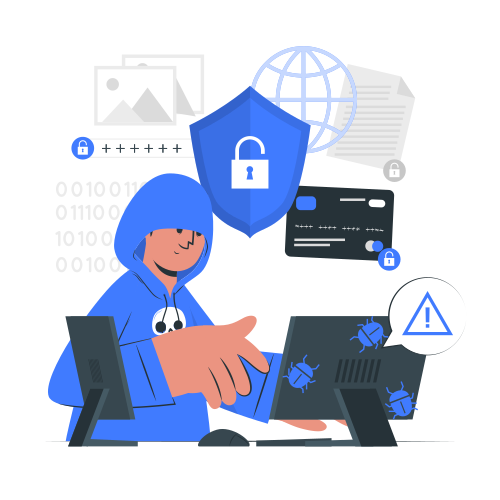
Keep an eye on your assets with data protection tools that Einetic MailBox supports for administrators. Using systematic protocols, policies, and mechanisms in the service, you're all set to prevent email spoofing, phishing, spam, and data leakage.
- DMARC:
Protect your domain from being misused by trespassers by setting up a DMARC policy in Einetic MailBox. When a DMARC policy is established, unauthenticated emails sent in the name of your organization are quarantined or rejected, depending on the policy. Reports can be generated for analysis to make subsequent changes to your policy. - Email Policy:
Take control of the emails sent and received in your organization by customizing email policies in Einetic MailBox. Restrictions can be applied for specific networks, devices, domains, and users to curb data leaks. - Malware Detection:
Emails with attachments received in Einetic MailBox are scanned for specific extensions and bounced when malware is detected. The secure attachment policy in Einetic MailBox restricts you from uploading files with certain extensions to prevent malware from being transferred. - Spam Filtering:
Einetic MailBox screens your inbox from unwanted emails and authorizes secure and encrypted emails. Using the Spam filtering function, incoming emails are scanned for phishing and spoofing and pushed to the inbox or spam folder accordingly.
Encrypted Email
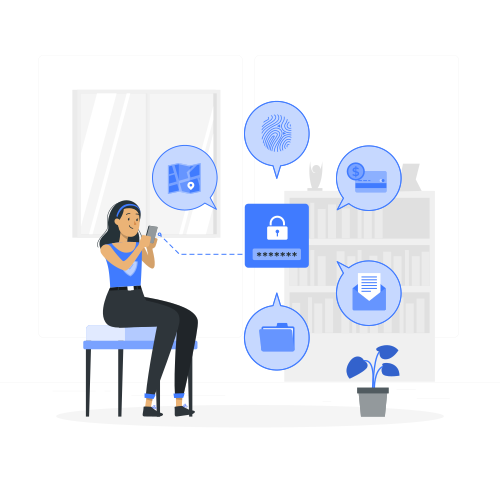
Encrypted emails are unreadable by anyone other than the intended recipients. The risk of unauthorized interception is greatly minimized by encrypting your data in storage and in transit.
- Encryption in transit:
Secure Socket Layer (SSL) connection encrypts email traffic between your device and the server. Einetic MailBox uses SSL connection for all communications from POP/IMAP/SMTP clients to our servers so that your data cannot be read or tampered with during transit. - Encryption at Rest:
Emails are stored on Einetic MailBox servers in encrypted format. Your data is split into fragments and each fragment is then further encrypted before being stored on our disks. The keys that are used for encryption are managed with the utmost safety and reliability. - S/MIME:
S/MIME provides top-notch security for your organization's email communications by encrypting the message itself. The keys used to encrypt the messages are securely stored on our servers. Digital signature and the encryption services in S/MIME, protect your emails against data leaks, phishing, email spoofing, and other email attacks.
Mail on Mobile
Access Einetic Mail from any device. Your inbox, calendar, and contacts sync automatically whether you're using the web interface, a desktop client, or a mobile email app.

SpecificationsAll plans also include:
Business Email That Works.
Professional addresses, enterprise security, and a control panel your IT team will actually appreciate.
Frequently Asked Questions
Just like with web hosting, email hosting is a service provided by a hosting or email company to manage custom domain-based email accounts. Most companies basically rent out space on an email server to customers, then handle email sending and receiving.
Our professional email is, however, more than just a storage space and delivery service. It’s a wide variety of integrations and collaboration features available to boost productivity and team effectiveness.
Business email is an email account which you use explicitly for business or professional communications. Business email is built exclusively for teams and organizations that run business communications. It is set up with custom domain used by the organization and adds credibility and professionalism to the brand. Features like group email addresses, global address lists make collaboration more efficient.
There are a lot of reasons to switch from your free email to a domain-based email, but here are the top 3:
- Customers are much more likely to trust a professional address like arin@rgtfashion.com than arin_rgtfashion@gmail.com.
- Professional Email provides world-class security with industry-leading spam and virus filters.
- Personalized email addresses promote your business more effectively. Every time you send an email, you are giving your web address to customers and prospects, encouraging them to visit your website.
Personal email works for one-to-one exchanges with friends and family. It can also be used for signing up for personal services and personal social media accounts. Business email is best for managing business communications and professional contacts. Business email generally comes with group aliases, higher storage, and business specific features and integrations including migration support and control panel.
Einetic MailBox offers intuitive migration tools, along with 24/7 dedicated migration support to ensure smooth, lossless migration from your existing email provider. Mail also supports migration of PST files.
Dynamic Storage Allocation is a feature where you don't need to set a default value for your Each Mailbox, an Infinite amount of Storage can be Allocated to each mailbox with respect to the total amount of Storage you have!
For e.g. You have 50GB Mail Storage and 25 mail Account where all the accounts have Dynamically Allocation ON, then each MailBox will only occupy the storage they need like 1 mailbox having 35GB of Mail can be 35GB alone where others can stay between the rest of the 15GB space.
Resource Booking - A room mailbox is a resource mailbox that's assigned to a physical location, such as a conference room, an auditorium, or a training room. With room mailboxes, users can easily reserve these rooms by including room mailboxes in their meeting requests. When they do this, the room mailbox uses options you can configure to decide whether the invite should be accepted or denied.
To create a Resource booking mailbox, you need to be an administrator
Your Einetic MailBox Email Account supports a variety of email clients, both on desktop computers and on smartphones. Below, you can find a number of configuration guides that explain how to configure your Einetic Mailbox account.
30 day money-back guarantee
If you're not 100% satisfied with Einetic's Products & Services, we'll refund your payment. No hassle, no risk.
Refund Policy